Connect your keyboard to your device
|
|
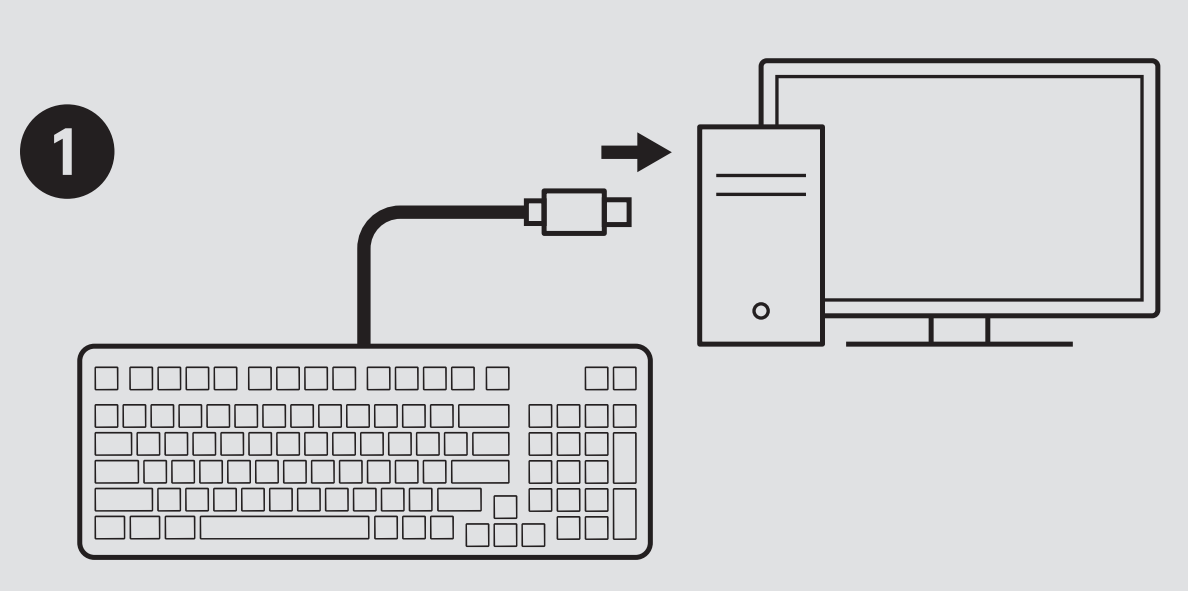
Step1: Plug the built-in cable to your device |
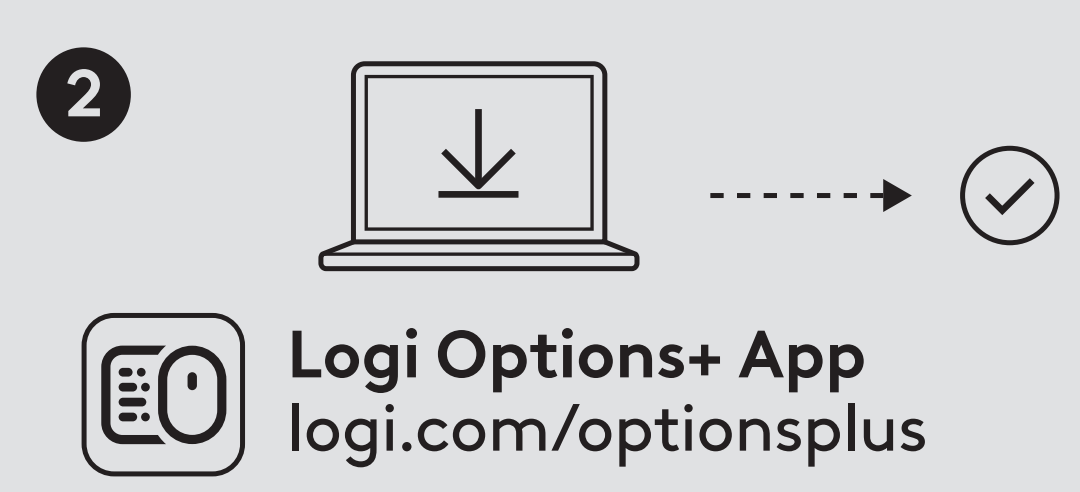 |
Step 2: Install Logi Options+ through logi.com/optionsplus
|
Keyboard Functions
You have a full range of useful, productive tools on your keyboard that help you save time and work faster:

Button features
[F1] Brightness down
[F2] Brightness up
[F3] Task View (Win) / Mission Control (Mac)
[F4] App Switch / Launchpad
[F5] Backlit cycle
[F6] Lighting Pattern
[F7] Dictation
[F8] Screen cap
[F9] Play / Pause
[F10] Mute
[F11] Volume down
[F12] Volume up
[Delete]
[PgDn] Action keys
Installing Logitech software
Download Logi Options+ to customize your keyboard and benefit from all of the useful shortcuts and other possibilities it has to offer. To download and learn more about the full range of features, click here.
Software notifications
When you install Logi Options+ software, you will also get on-screen notifications for some actions you do on your keyboard.
-
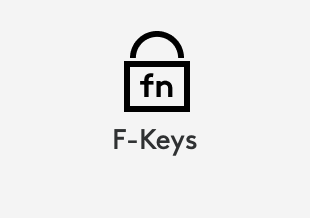
F-Keys switch
Press Fn + Esc to swap between Media keys and F-Keys. We’ve added a notification to let you know you’ve swapped.
NOTE: By default, the keyboard has direct access to Media Keys.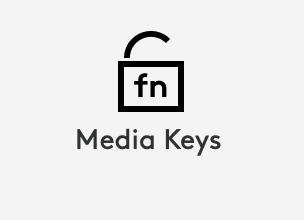
-
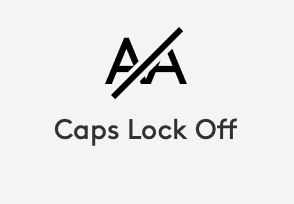
Caps Lock Notification
Besides the LED on your Caps Lock key lighting up, you will have an on screen notification to show you when you have Caps Lock function activated.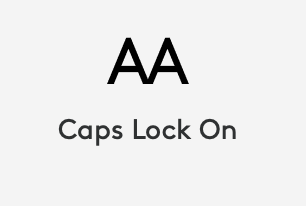
Important Notice: The Firmware Update Tool is no longer supported or maintained by Logitech. We highly recommend using Logi Options+ for your supported Logitech devices. We are here to assist you during this transition.
Important Notice: The Logitech Preference Manager is no longer supported or maintained by Logitech. We highly recommend using Logi Options+ for your supported Logitech devices. We are here to assist you during this transition.
Important Notice: The Logitech Control Center is no longer supported or maintained by Logitech. We highly recommend using Logi Options+ for your supported Logitech devices. We are here to assist you during this transition.
Important Notice: The Logitech Connection Utility is no longer supported or maintained by Logitech. We highly recommend using Logi Options+ for your supported Logitech devices. We are here to assist you during this transition.
Important Notice: The Unifying Software is no longer supported or maintained by Logitech. We highly recommend using Logi Options+ for your supported Logitech devices. We are here to assist you during this transition.
Important Notice: The SetPoint software is no longer supported or maintained by Logitech. We highly recommend using Logi Options+ for your supported Logitech devices. We are here to assist you during this transition.
Frequently Asked Questions
There are no products available for this section
There are no Downloads for this Product
There are no Downloads for this Version.
Compatible Product
