NOTE: Information is for reference only and may be subject to change.
| General Product Information: | [Compliance Certification (CE) Link] | |
| Warranty / Self Help | Please see the product support page for warranty duration and frequently asked questions. | |
| Category | Webcam | |
| OS Support (at release) | Windows XP, Windows XP x64, Windows Vista, Windows Vista x64, Windows 7, Windows 7 x64 (LWS 2.0 for Windows), Windows 8, Windows 10 Mac OS X 10.5.x or 10.6.x (LWS 2.1 for Mac) | |
| Software Support (at release) | Logitech Webcam Software 2.0 (LWS) for Windows, Logitech Webcam Software 2.1 (LWS) for Mac NOTE: Check website for latest software release | |
| Basic Requirement | HD Requirement | |
| System Requirements | 1 GHz = CPU Minimum 2.4 GHz Intel Core 2 Duo = CPU Recommended 512 = RAM Minimum 1GB = RAM Recommended |
2.4 GHz Intel Core 2 Duo = CPU Recommended |
| Camera Specifications: | |
| Available Image(s) | 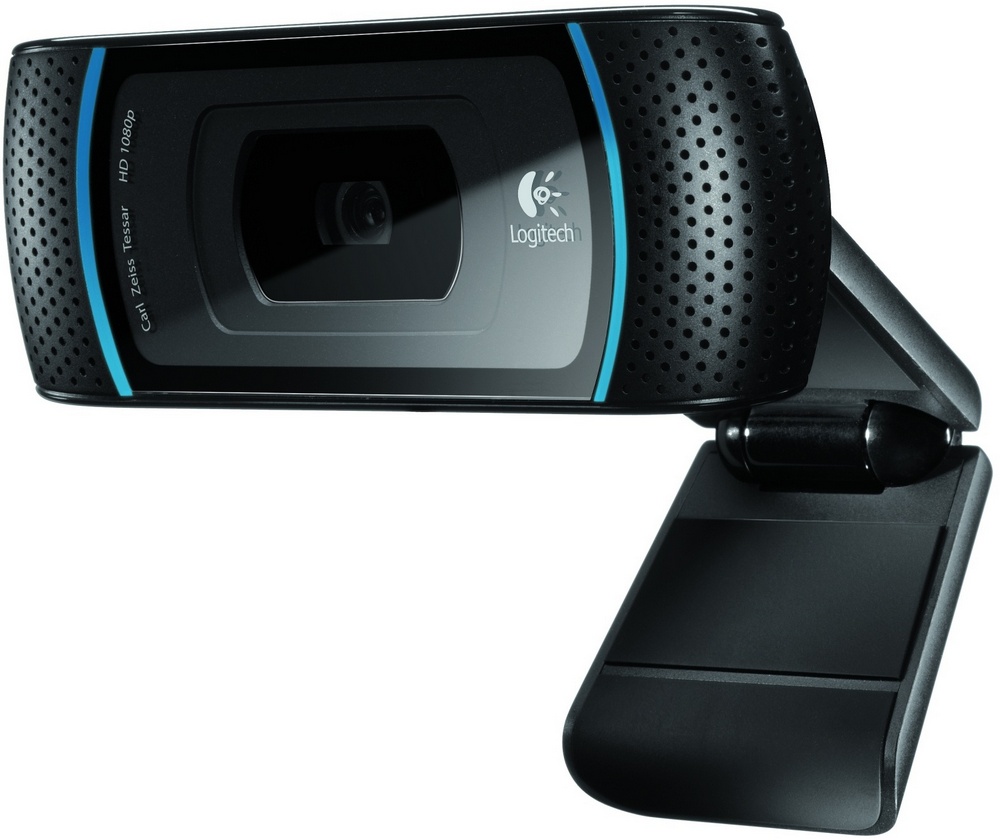 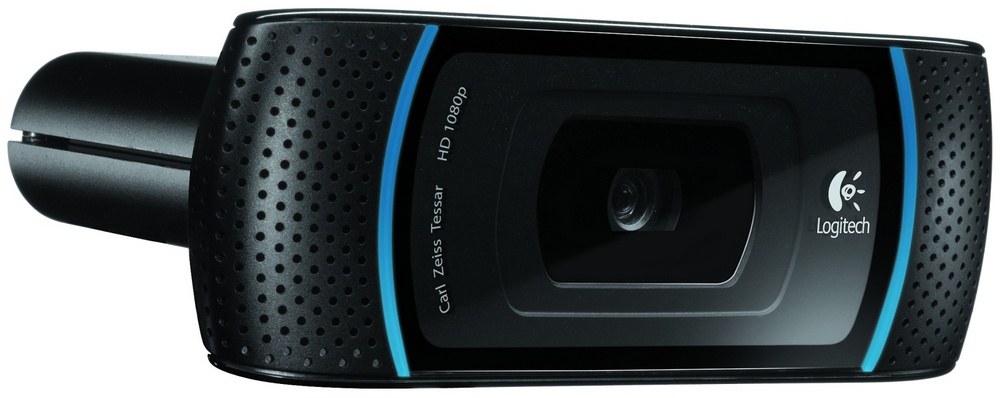 |
| Connection Type | Corded USB |
| USB Type | High Speed USB 2.0 |
| USB VID_PID | VID_046D&PID_0821 |
| UVC Support | Yes |
| Microphone | Yes |
| Microphone Type | Stereo |
| Lens and Sensor Type | Glass |
| Focus Type | Auto |
| Optical Resolution | 5MP True |
| Diagonal Field of View (FOV) | 83° |
| Focal Length | 4.3 mm |
| Image Capture (4:3 SD) | 640x480, 1.2 MP, 5.0 MP, 10 MP |
| Image Capture (16:9 W) | 360p, 480p, 720p, 1080p |
| Video Capture (4:3 SD) | 320x240, 640x480, 1600x1200 2MP |
| Video Capture (16:9 W) | 360p, 480p, 720p, 1080p |
| Frame Rate (max) | 30fps @ 640x480 |
| Right Light | Right Light 2 |
| Video Effects (VFX) | N/A |
| Buttons | N/A |
| Indicator Lights (LED) | Activity/Power |
| Privacy Shade | Yes (Software) |
| Tripod Mounting Option | No |
| Universal Clip Adjustability (range) | 0° to 180° (Adjustable) |
| Cable Length | 5 Feet or 1.5 Meters |
| Package Contents: | |
| Available Image(s) | N/A |
| What is in the box | Webcam, User Documentation, Software Installation CD |
Important Notice: The Firmware Update Tool is no longer supported or maintained by Logitech. We highly recommend using Logi Options+ for your supported Logitech devices. We are here to assist you during this transition.
Important Notice: The Logitech Preference Manager is no longer supported or maintained by Logitech. We highly recommend using Logi Options+ for your supported Logitech devices. We are here to assist you during this transition.
Important Notice: The Logitech Control Center is no longer supported or maintained by Logitech. We highly recommend using Logi Options+ for your supported Logitech devices. We are here to assist you during this transition.
Important Notice: The Logitech Connection Utility is no longer supported or maintained by Logitech. We highly recommend using Logi Options+ for your supported Logitech devices. We are here to assist you during this transition.
Important Notice: The Unifying Software is no longer supported or maintained by Logitech. We highly recommend using Logi Options+ for your supported Logitech devices. We are here to assist you during this transition.
Important Notice: The SetPoint software is no longer supported or maintained by Logitech. We highly recommend using Logi Options+ for your supported Logitech devices. We are here to assist you during this transition.
Frequently Asked Questions
There are no products available for this section
There are no Downloads for this Product
There are no Downloads for this Version
Compatible Product
