You can use your Yeti GX with or without G HUB software.
You can adjust the following without installing G Hub:
- Dedicated Mute button
- Scroll-Wheel that has integrated LED to indicate the functional adjustments.
- White when powered on, but inactive audio
- Green when powered on and active audio
- Cyan when in AGC mode
- AGC Toggle on/off (click the wheel in)
- Wheel color turns to solid Cyan while AGC is on
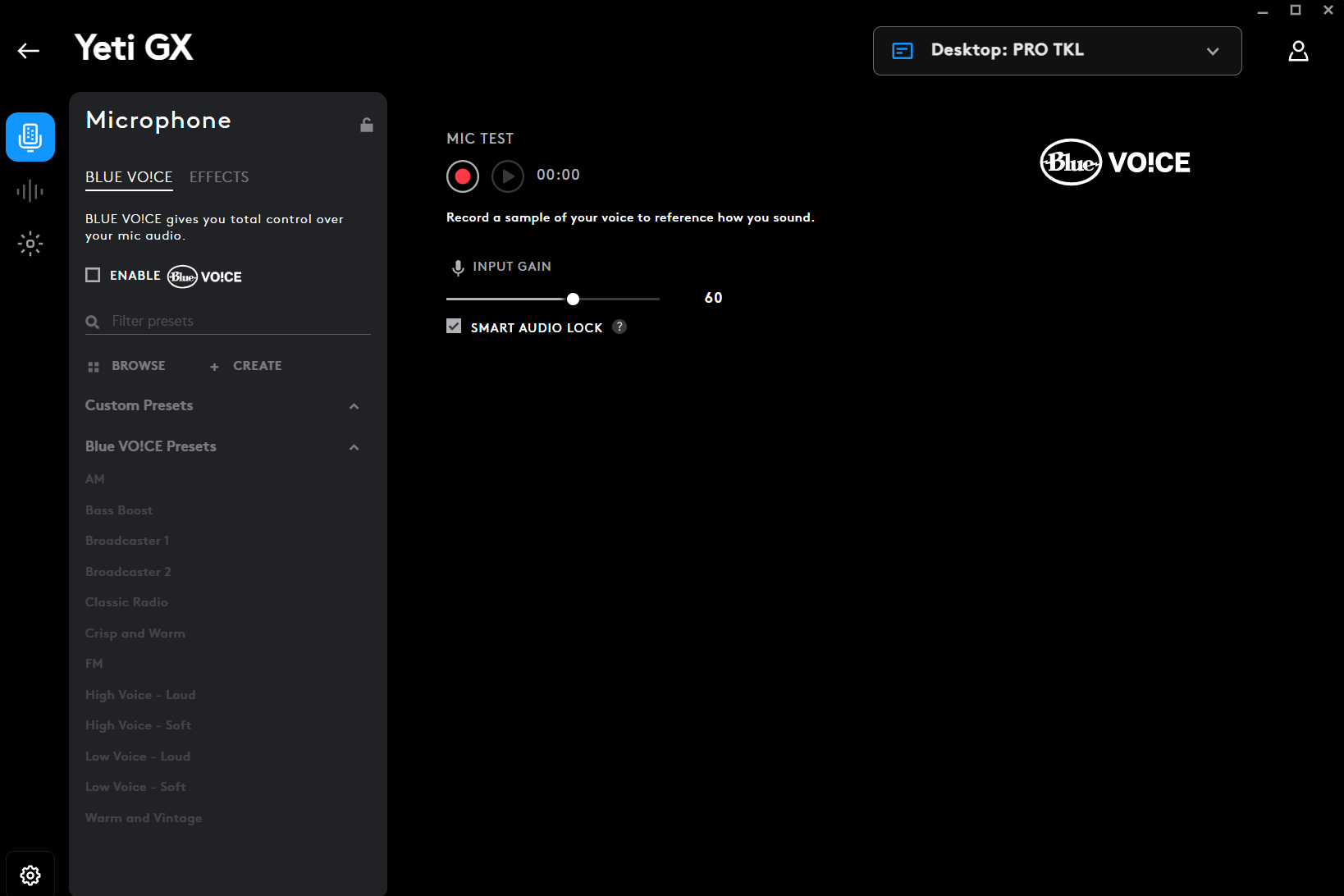
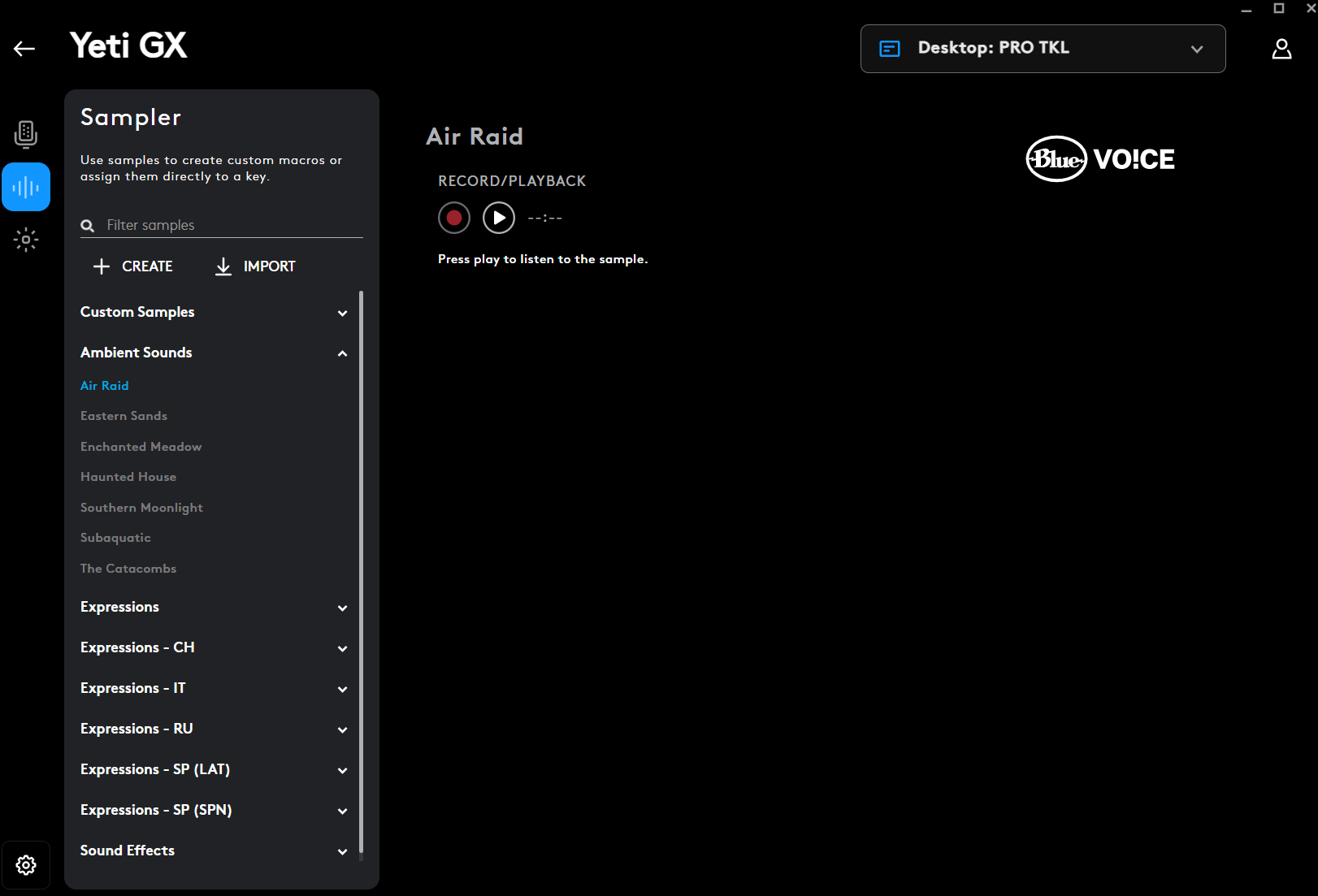
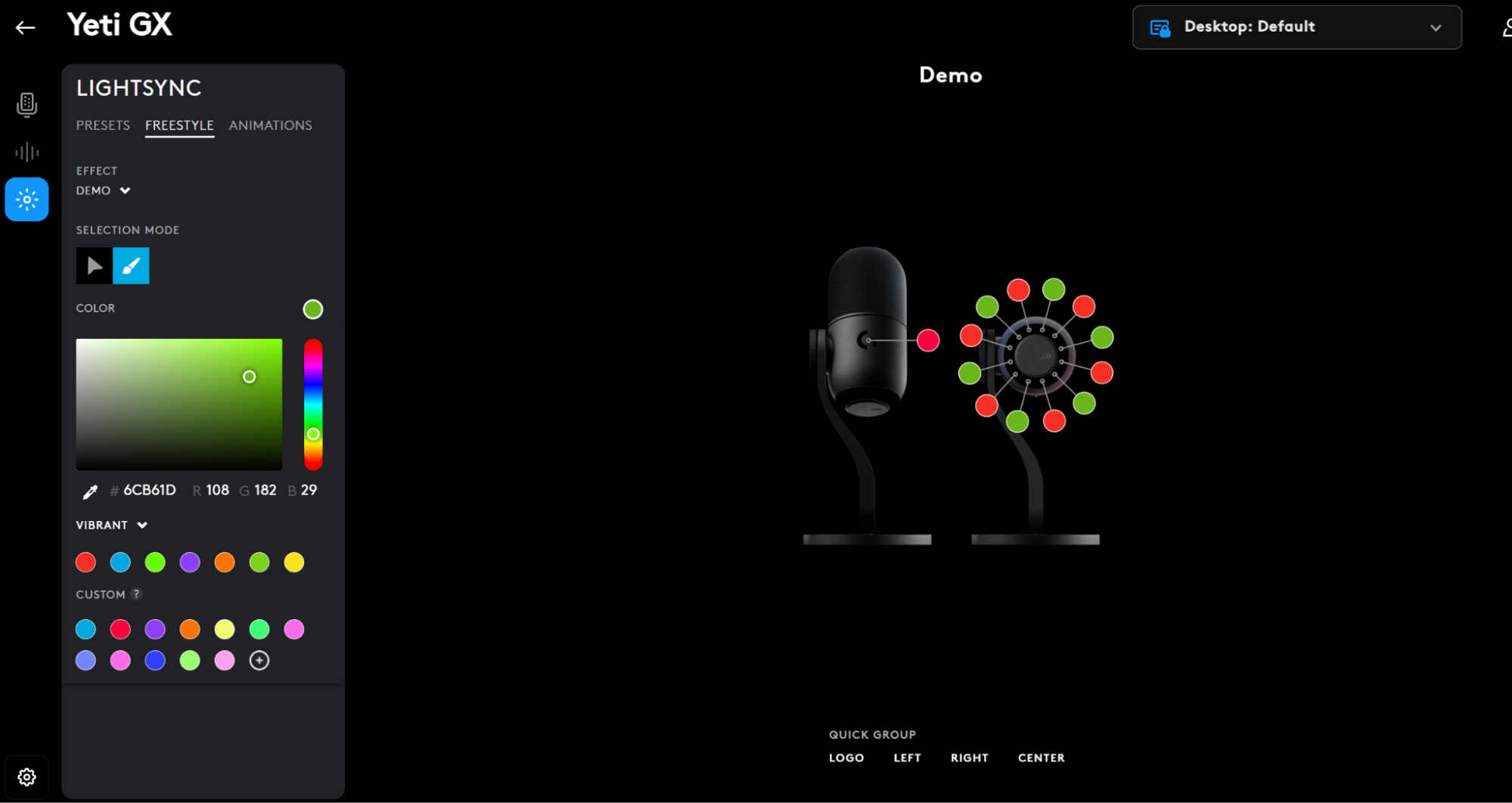
However, you’ll need to install the software for firmware updates, to experience Blue VO!CE functionality, and if you want to customize LED lighting effects.
Important Notice: The Firmware Update Tool is no longer supported or maintained by Logitech. We highly recommend using Logi Options+ for your supported Logitech devices. We are here to assist you during this transition.
Important Notice: The Logitech Preference Manager is no longer supported or maintained by Logitech. We highly recommend using Logi Options+ for your supported Logitech devices. We are here to assist you during this transition.
Important Notice: The Logitech Control Center is no longer supported or maintained by Logitech. We highly recommend using Logi Options+ for your supported Logitech devices. We are here to assist you during this transition.
Important Notice: The Logitech Connection Utility is no longer supported or maintained by Logitech. We highly recommend using Logi Options+ for your supported Logitech devices. We are here to assist you during this transition.
Important Notice: The Unifying Software is no longer supported or maintained by Logitech. We highly recommend using Logi Options+ for your supported Logitech devices. We are here to assist you during this transition.
Important Notice: The SetPoint software is no longer supported or maintained by Logitech. We highly recommend using Logi Options+ for your supported Logitech devices. We are here to assist you during this transition.
Frequently Asked Questions
There are no products available for this section
There are no Downloads for this Product
There are no Downloads for this Version
Compatible Product
