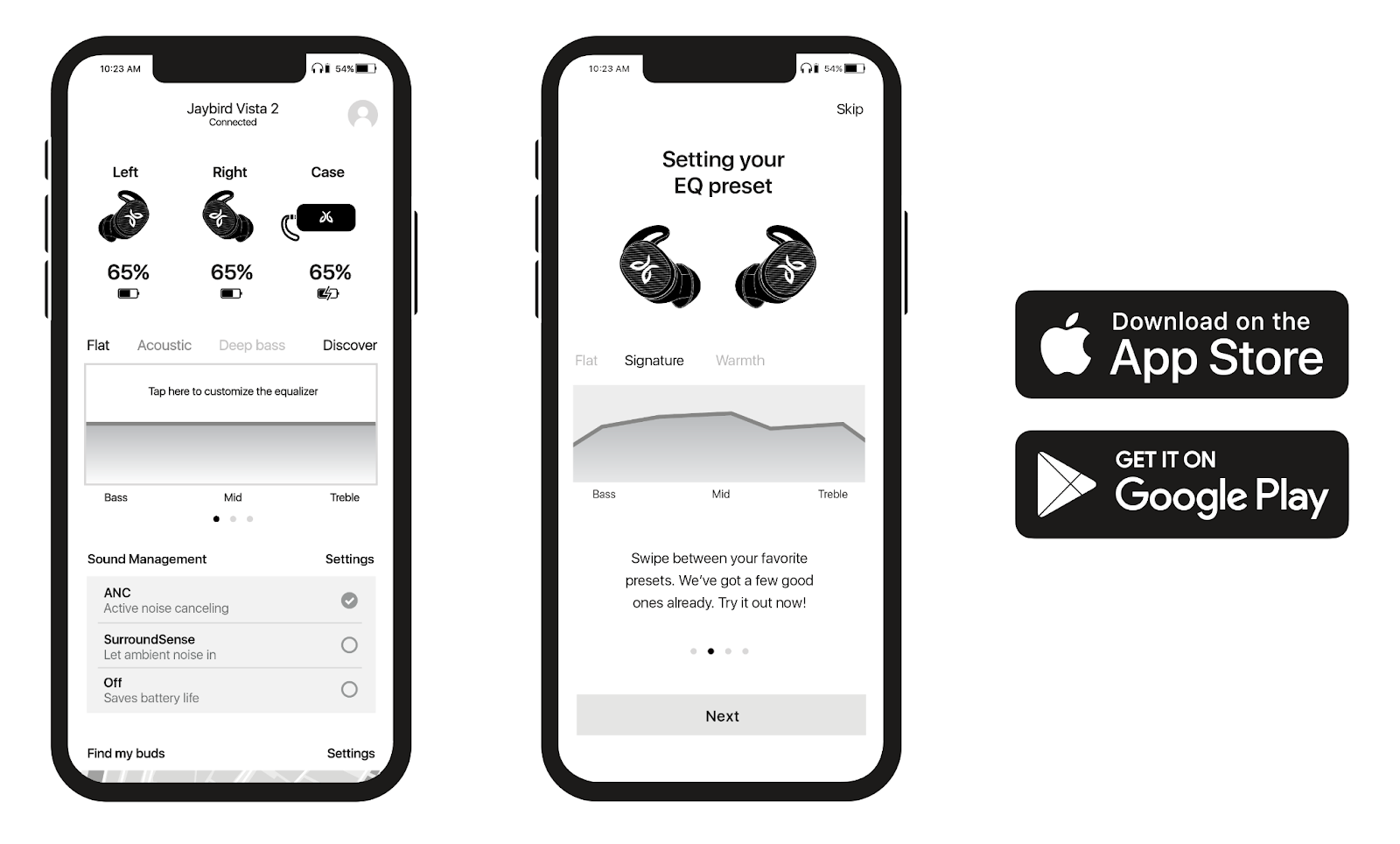
Yes. The Jaybird App gives you the ability to customize the sound profile of your Jaybird Vista 2 earbuds in real time. You can access customized presets created by the Jaybird team as well as many others from Jaybird Athletes. You also have the ability to create your own sound profile and save it by using the custom equalizer. If you think you have created the perfect sound profile, share it with the Jaybird Community and watch as people from around the world save and use your preset.
Additionally, you can use the Jaybird App to adjust your Jaybird Vista 2 multi-function buttons and voice prompts, set up the ‘Find Your Buds’ utility, and ‘Find Your Fit’. The Jaybird App can also automatically update your product, when updates become available.
Tärkeä huomautus: Logitech ei enää tue tai ylläpidä laiteohjelmistopäivitystyökalua. Suosittelemme käyttämään Logi Options+-sovellusta tuetuilla Logitech-laitteilla . Saat meiltä apua siirtymävaiheessa.
Tärkeä huomautus: Logitech ei enää tue tai ylläpidä Logitech Preference Manageria. Suosittelemme käyttämään Logi Options+-sovellusta tuetuilla Logitech-laitteilla . Saat meiltä apua siirtymävaiheessa.
Tärkeä huomautus: Logitech ei enää tue tai ylläpidä Logitech Control Centeriä. Suosittelemme käyttämään Logi Options+-sovellusta tuetuilla Logitech-laitteilla . Saat meiltä apua siirtymävaiheessa.
Tärkeä huomautus: Logitech ei enää tue tai ylläpidä Logitechin yhteydenmuodostusohjelmaa. Suosittelemme käyttämään Logi Options+-sovellusta tuetuilla Logitech-laitteilla . Saat meiltä apua siirtymävaiheessa.
Tärkeä huomautus: Logitech ei enää tue tai ylläpidä Unifying-ohjelmistoa. Suosittelemme käyttämään Logi Options+-sovellusta tuetuilla Logitech-laitteilla . Saat meiltä apua siirtymävaiheessa.
Tärkeä huomautus: Logitech ei enää tue tai ylläpidä SetPoint-ohjelmistoa. Suosittelemme käyttämään Logi Options+-sovellusta tuetuilla Logitech-laitteilla . Saat meiltä apua siirtymävaiheessa.
Usein esitetyt kysymykset
Tälle osastolle ei ole saatavilla tuotteita
Tuotteelle ei ole latauksia
Versiolle ei ole latauksia.
Compatible Product
