You can update your UE FITS software through the UE FITS app (iOS/Android).
Ensure you have the latest version of the UE FITS app before attempting to update. You can check that your app is up-to-date by visiting the App Store on iOS or the Google Play store on Android.”
To update go to the menu inside the UE FITS app, by selecting the hamburger icon in the top left, and select Support. Make sure you have the latest version of the UE FITS app before attempting to update. You can check that your app is up-to-date by visiting the App Store on iOS or the Google Play store on Android.
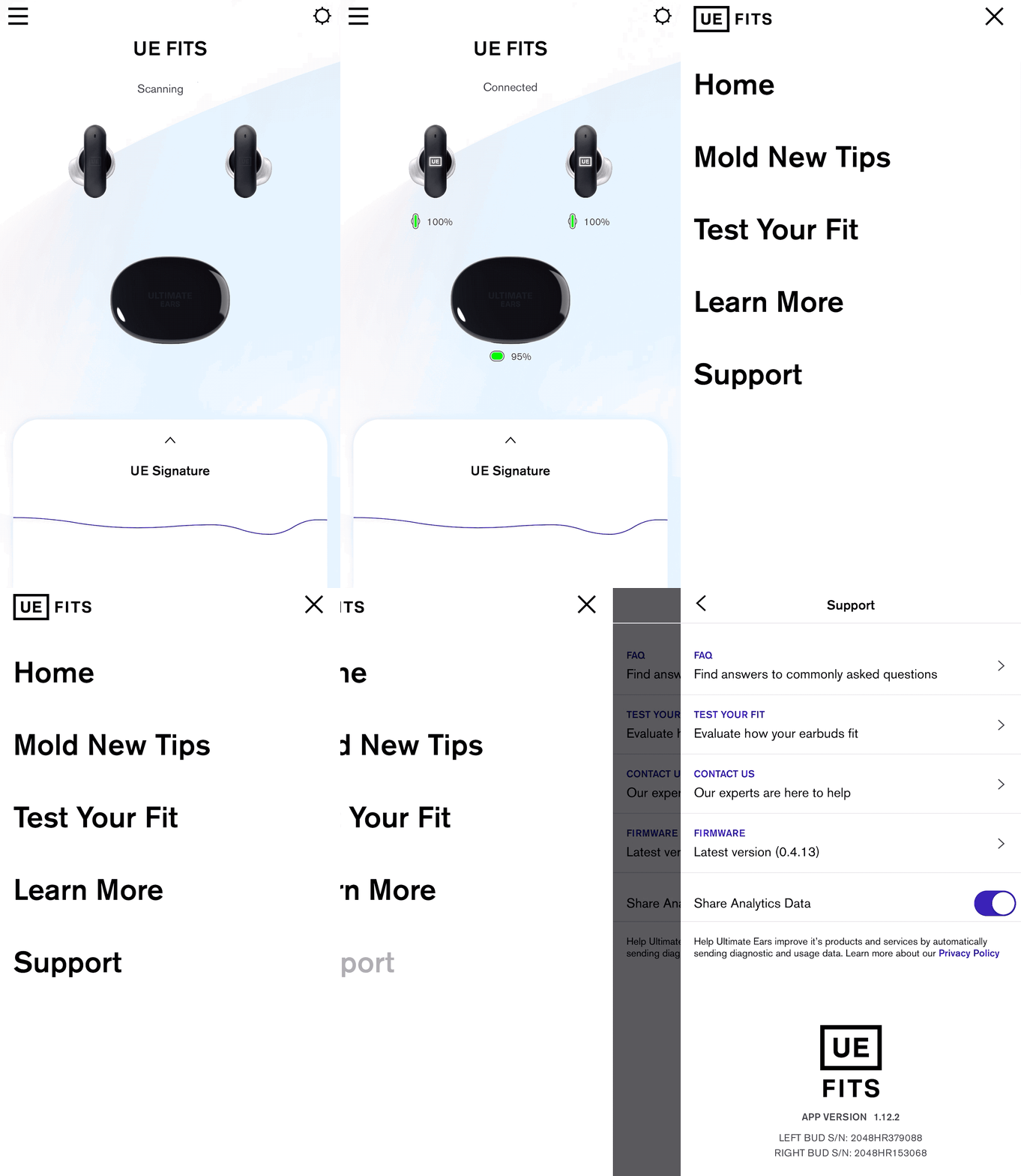
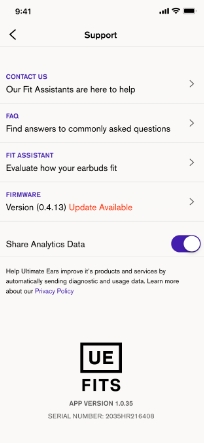
If there is an update available, under Firmware it will say Version (version number) Update Available. If you already have the latest firmware it will say “up to date.” If an update is available click on the arrow to begin the update process.
Once you click update earbuds, follow the instructions, leave the case lid open and the earbuds in the case and let it work its magic. Make sure to leave the app open.
NOTE: Closing the App or the case lid will interrupt the firmware update.
NOTE: If you accidentally close the app while the firmware is updating, simply open the app again and follow the instructions to start the upgrade process again. Once the update is successfully completed, you will be automatically taken back to the Settings screen. The Firmware description should say that you have the Latest Version.
Nota importante: lo strumento di aggiornamento del firmware non è più supportato o gestito da Logitech. Si consiglia vivamente di utilizzare Logi Options+ per i dispositivi Logitech supportati. Siamo qui per assisterti durante questa transizione.
Nota importante: Logitech Preference Manager non è più supportato o gestito da Logitech. Si consiglia vivamente di utilizzare Logi Options+ per i dispositivi Logitech supportati. Siamo qui per assisterti durante questa transizione.
Nota importante: Logitech Control Center non è più supportato o gestito da Logitech. Si consiglia vivamente di utilizzare Logi Options+ per i dispositivi Logitech supportati. Siamo qui per assisterti durante questa transizione.
Nota importante: l'utilità di connessione Logitech non è più supportata o gestita da Logitech. Si consiglia vivamente di utilizzare Logi Options+ per i dispositivi Logitech supportati. Siamo qui per assisterti durante questa transizione.
Nota importante: il software Unifying non è più supportato o gestito da Logitech. Si consiglia vivamente di utilizzare Logi Options+ per i dispositivi Logitech supportati. Siamo qui per assisterti durante questa transizione.
Nota importante: Il software SetPoint non è più supportato o gestito da Logitech. Si consiglia vivamente di utilizzare Logi Options+ per i dispositivi Logitech supportati. Siamo qui per assisterti durante questa transizione.
Domande frequenti
Non ci sono prodotti disponibili per questa sezione
Non ci sono download per questo prodotto
Non sono disponibili download per questa versione.
Compatible Product
