You can update your UE FITS software through the UE FITS app (iOS/Android).
Ensure you have the latest version of the UE FITS app before attempting to update. You can check that your app is up-to-date by visiting the App Store on iOS or the Google Play store on Android.”
To update go to the menu inside the UE FITS app, by selecting the hamburger icon in the top left, and select Support. Make sure you have the latest version of the UE FITS app before attempting to update. You can check that your app is up-to-date by visiting the App Store on iOS or the Google Play store on Android.
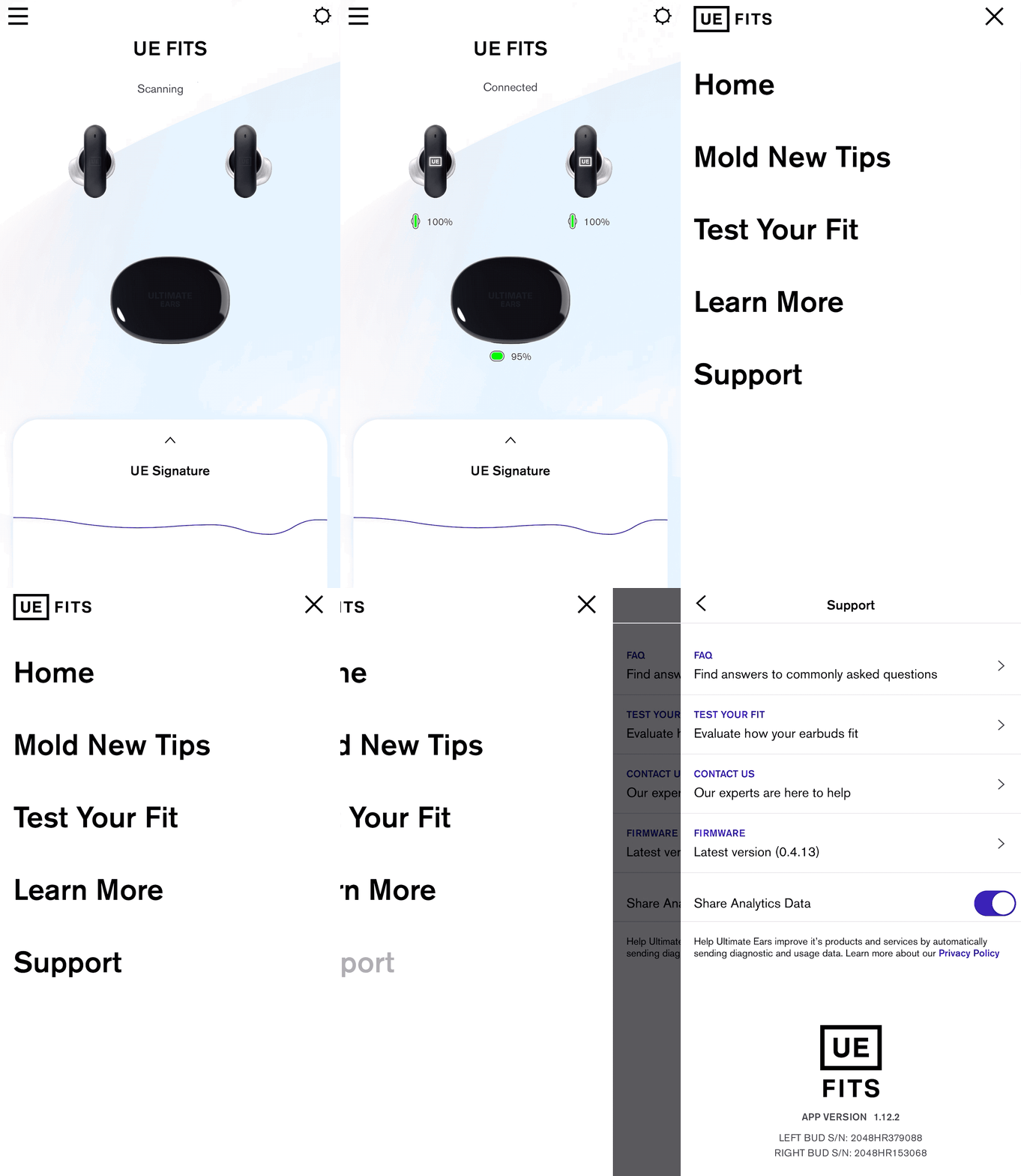
If there is an update available, under Firmware it will say Version (version number) Update Available. If you already have the latest firmware it will say “up to date.” If an update is available click on the arrow to begin the update process.
Once you click update earbuds, follow the instructions, leave the case lid open and the earbuds in the case and let it work its magic. Make sure to leave the app open.
NOTE: Closing the App or the case lid will interrupt the firmware update.
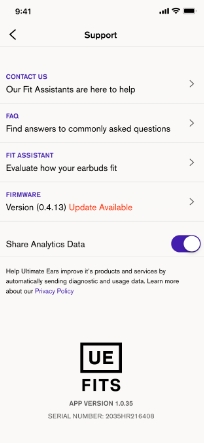
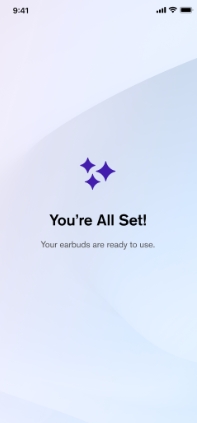
NOTE: If you accidentally close the app while the firmware is updating, simply open the app again and follow the instructions to start the upgrade process again. Once the update is successfully completed, you will be automatically taken back to the Settings screen. The Firmware description should say that you have the Latest Version.
重要提示:罗技不再对固件更新工具提供支持或维护。强烈推荐您将 Logi Options+ 用于受支持的罗技设备。在此过渡期间,我们将为您提供帮助。
重要提示:罗技不再对 Logitech Preference Manager 提供支持或维护。强烈推荐您将 Logi Options+ 用于受支持的罗技设备。在此过渡期间,我们将为您提供帮助。
重要提示:罗技不再对 Logitech Control Center 提供支持或维护。强烈推荐您将 Logi Options+ 用于受支持的罗技设备。在此过渡期间,我们将为您提供帮助。
重要提示:罗技不再对 Logitech Connection Utility 提供支持或维护。强烈推荐您将 Logi Options+ 用于受支持的罗技设备。在此过渡期间,我们将为您提供帮助。
重要提示:罗技不再对 Unifying 软件提供支持或维护。强烈推荐您将 Logi Options+ 用于受支持的罗技设备。在此过渡期间,我们将为您提供帮助。
重要提示:罗技不再支持或维护 SetPoint 软件。强烈推荐您将 Logi Options+ 用于受支持的罗技设备。在此过渡期间,我们将为您提供帮助。
常问问题
此部分没有可用的产品
没有此产品的相关下载内容
没有此版本的相关下载内容。
Compatible Product
